
Quick BRT
Build the recipe once. Send the whole batch through.
A free Windows workflow studio for non-destructive image processing. Add a folder, arrange background removal, crop, resize, adjustments, watermarking, and sprite creation into an ordered recipe, preview every step, then export the entire batch without changing the source files.
What it does
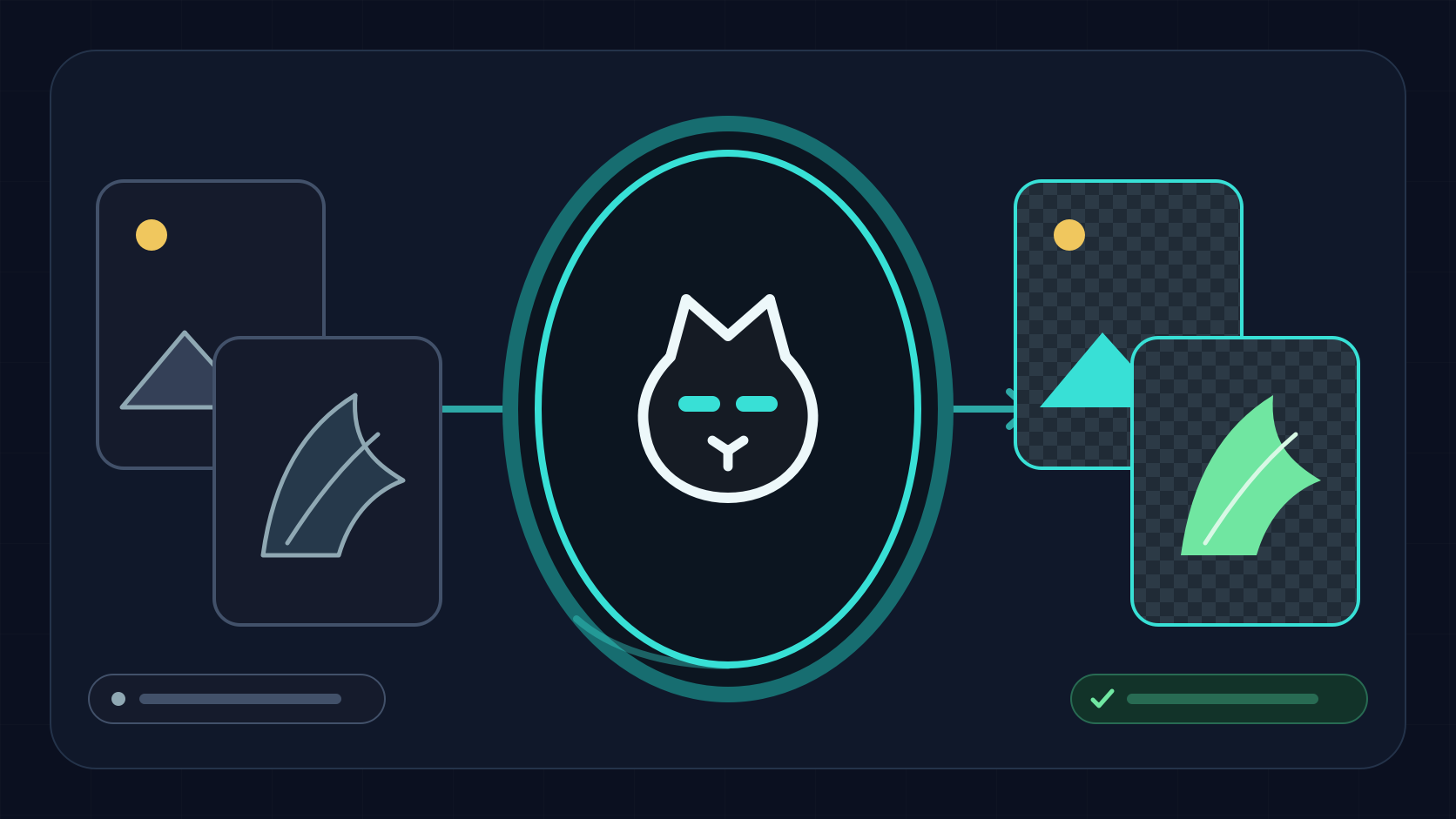
One source tray. One ordered recipe. Every output handled safely.
Quick BRT combines the full image workflow in one three-pane studio, with a live preview and reusable recipes.

Ordered recipe stacks
Add, reorder, enable, duplicate, and tune each processing step. Save the complete recipe to reuse or share later.
Interactive preview
Compare before and after, inspect checkerboard transparency, zoom, and draw per-image crop overrides directly on the canvas.
Edge-aware removal
Clear only the edge-connected background while preserving same-color detail inside the subject, with automatic and custom color modes.
Optional Smart AI
Handle people, fur, and complex scenes through an isolated neural worker. The worker ships with the full build, while its selected model may download once, then continue through every downstream recipe step.

Precise resizing
Use presets, padded and no-upscale modes, custom dimensions, or aspect ratio targets with fit, fill, crop, and stretch behavior.

Creative controls
Rotate freely, tune exposure, gamma, temperature, and tint, then trim or prepare transparent grids and sprite canvases.

Flexible watermarking
Add text or logo watermarks as a repeatable recipe step instead of touching every source image separately.

Safe atomic exports
Choose format, quality, metadata, filename tokens, and collision behavior. Partial files stay hidden if a run is cancelled.
Structured results
Review every successful output and failure after a run while the rolling queue keeps large batches responsive.
Portal-cat visual system
A custom guide for every stage of the workflow.
The updated brand now carries through empty, drop, working, success, and error states without covering the tools.
Download for Windows
Free, no installer, no account. The full build includes Smart AI.
- Unzip every file into one folder and keep them together.
- Run Quick BRT.exe. On the unsigned-app SmartScreen prompt, click More info, then Run anyway.
- Drop in your images and batch away.
Smart AI mode (any-background removal) ships inside the build. The selected neural model may download separately on first use. Delete the smart_ai folder to reclaim about 120 MB; Quick BRT downloads the worker again when you enable Smart mode. Needs Windows 10 or 11 (64-bit) and a few hundred MB of disk.
Hear about updates
Leave your email and you will get a note when a new Quick BRT version ships.